
Galaxy Tab S8
Accessories for the Samsung Galaxy Tab S8 are chosen for a tablet with an 11-inch screen, an Armor Aluminum body and an S Pen that charges while magnetically attached to the back. That is why room for the stylus matters in a case. Here you will find flip cases with an S Pen holder, keyboard cases, protective cases, tempered and hybrid glass and matte writing films.
Filters
Products
![Tech-Protect Glass Fit+ Samsung Galaxy Tab S7 / S8 / S9 11.0 / S9 FE / S10 FE / S10 Lite 10.9 X710 / X716B / X510 / X516B / X520 / X526 / X400 / X406B Clear [2 PACK]](/_next/image?url=https%3A%2F%2Fpresta.homescreen.pl%2Fimg%2Fp%2F7%2F2%2F3%2F6%2F5%2F0%2F723650-large_default.jpg&w=1200&q=75)
![Tech-Protect Glass Fit+ Samsung Galaxy Tab S7 / S8 / S9 11.0 / S9 FE / S10 FE 10.9 Clear [2 PACK]](/_next/image?url=https%3A%2F%2Fpresta.homescreen.pl%2Fimg%2Fp%2F6%2F9%2F8%2F2%2F6%2F6%2F698266-large_default.jpg&w=1200&q=75)
![Bizon Glass Tab Clear Samsung Galaxy Tab S9 FE/S9/S8/S7 [2 PACK]](/_next/image?url=https%3A%2F%2Fpresta.homescreen.pl%2Fimg%2Fp%2F6%2F0%2F9%2F6%2F5%2F4%2F609654-large_default.jpg&w=1200&q=75)
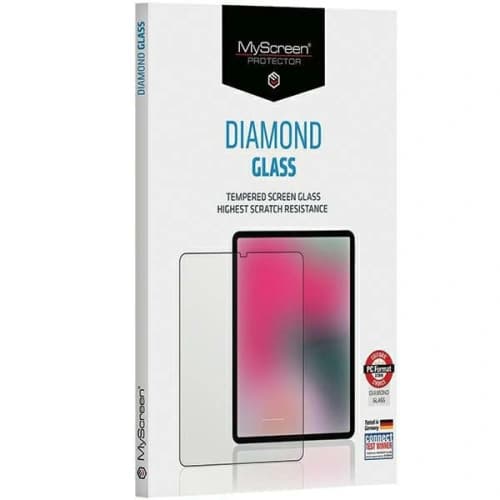
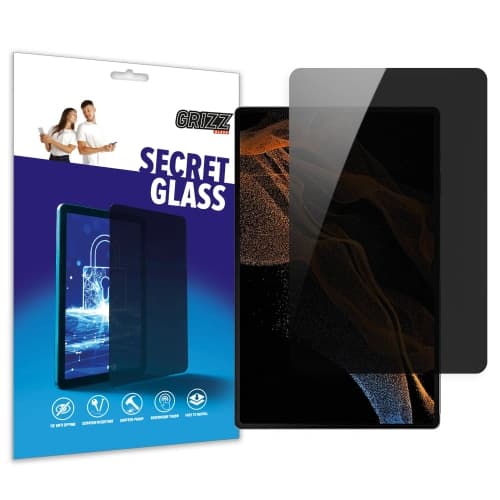
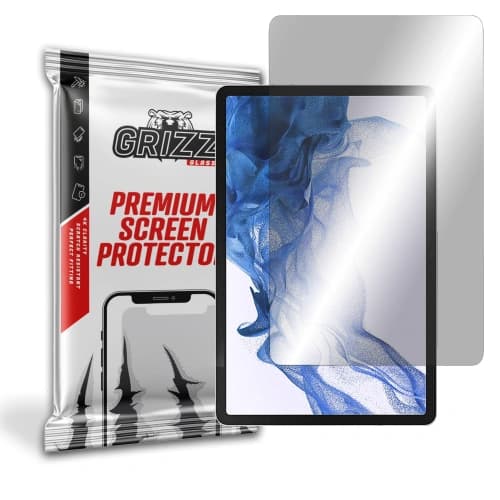

![3MK PaperFeeling Samsung Galaxy Tab S8 11 [2 PACK]](/_next/image?url=https%3A%2F%2Fpresta.homescreen.pl%2Fimg%2Fp%2F2%2F1%2F9%2F8%2F2%2F5%2F219825-large_default.jpg&w=1200&q=75)


![Bizon Film Tab Papirus Samsung Galaxy Tab S8/S7 [2 PACK]](/_next/image?url=https%3A%2F%2Fpresta.homescreen.pl%2Fimg%2Fp%2F6%2F0%2F9%2F3%2F4%2F1%2F609341-large_default.jpg&w=1200&q=75)


More in Galaxy Tab S8 Series


Galaxy Tab S8 — what affects the choice of case and screen protection
The Galaxy Tab S8 has an 11-inch LTPS TFT screen with a refresh rate of up to 120 Hz, measures 253.8 × 165.3 × 6.3 mm and weighs about 503 g. The Armor Aluminum frame resists dents, but it does not stop the screen glass from cracking in a fall. The S Pen comes with the tablet and attaches magnetically to the back panel, where it charges. A case without a dedicated stylus spot will cover that area, and you will have to charge the S Pen differently or store it separately.
Which Galaxy Tab S8 case should you choose?
Flip cases with an S Pen slot
Bizon flip cases, Dux Ducis cases with a stylus holder and the original Samsung Note View Cover protect the screen and fold into a stand. Versions with a cutout or flap over the charging area let you charge the stylus without removing the case.
Protective cases and cases with a strap
The Samsung Protective Standing Cover has reinforced corners and a kickstand, and the Samsung Strap Cover has a hand strap that makes it easier to hold the tablet upright. Nillkin and 3mk offer lighter everyday cases.
Keyboard cases
Dux Ducis cases with a Bluetooth keyboard, including ones with a touchpad, turn the tablet into a small typing station. You will find more models in the keyboards category.
Glass or film for the Galaxy Tab S8 screen?
- Tempered glass (PanzerGlass, Hofi, Dux Ducis, MyScreen, Bizon, Tech-Protect) — a hard, smooth surface, good if you often carry the tablet without a cover.
- Hybrid glass (3mk, GrizzGlass) — thin and flexible, works well with a case.
- Matte and paper-like films (3mk, Bizon, Dux Ducis, GrizzGlass) — fewer reflections and more resistance under the stylus.
- Original Samsung film — thin protection made by the tablet's manufacturer.
- Privacy glass (GrizzGlass) — narrows the screen's viewing angle.
Compatibility with the Galaxy Tab S7 and other models
The Galaxy Tab S8 has a body similar to the Galaxy Tab S7, which is why many cases and glass protectors in this category list both models in their names, and some glass protectors also list the Tab S9 and Tab S9 FE. Do not assume compatibility in advance — choose products that list the Tab S8. The larger variants in the series have their own accessories: the Galaxy Tab S8+ with a 12.4-inch screen and the Galaxy Tab S8 Ultra with a 14.6-inch screen. You will find a spare Samsung S Pen for the Tab S8 in this category, and universal models in the styluses for phones and tablets category. Accessories for the whole series are gathered in the Galaxy Tab S8 Series category.
Frequently asked questions
Does a Galaxy Tab S7 case fit the Galaxy Tab S8?
Yes, if the manufacturer lists both models in the name — many cases in this category have this dual compatibility.
Where does the S Pen charge on the Galaxy Tab S8?
On the back panel, where it attaches magnetically. The case should have a cutout, a flap or its own stylus holder over that spot.