
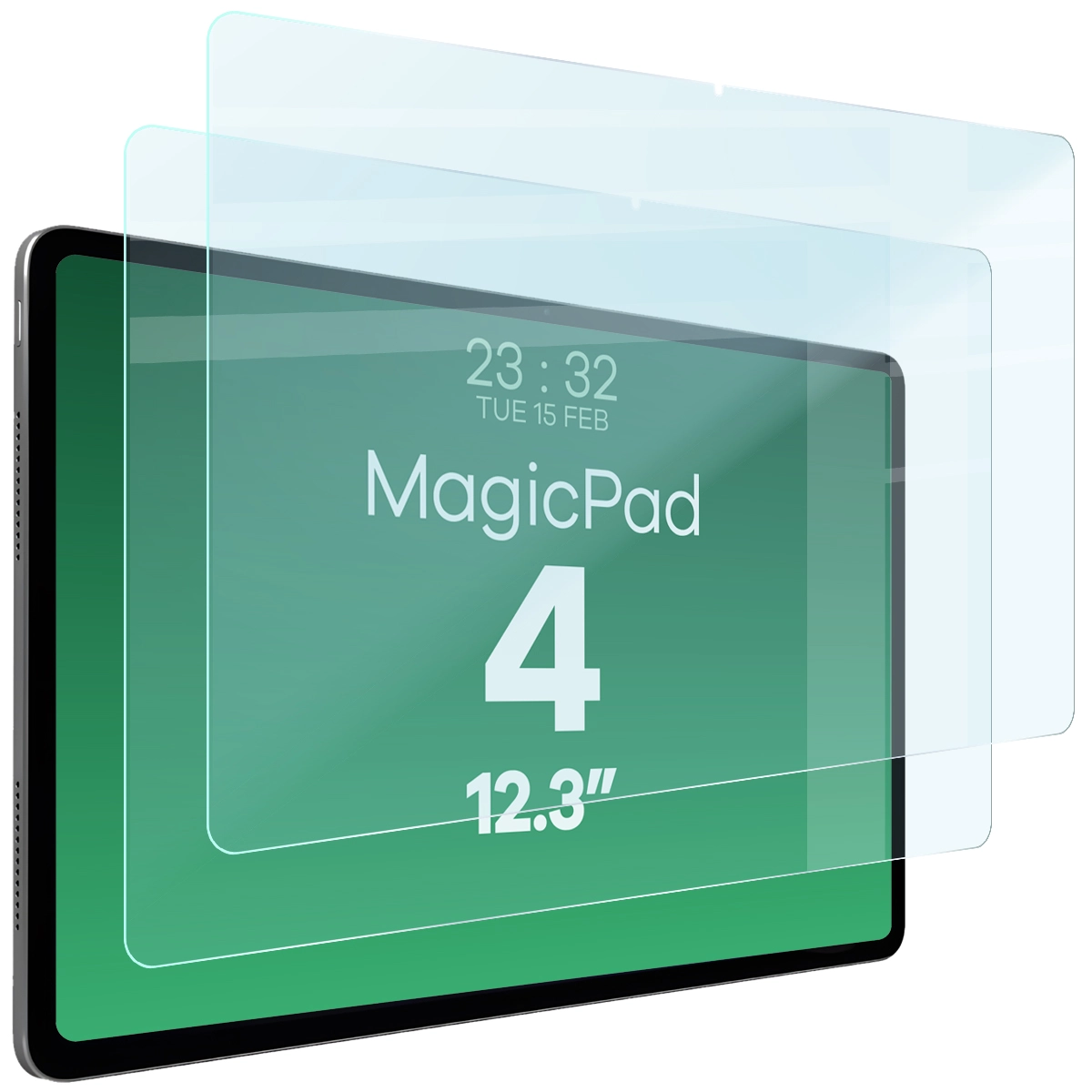
Szkło hartowane do tabletu Bizon Tab Glass Clear Duo do Honor MagicPad 4, 2 sztuki


Description
Glass for the tablet Bizon Tab Glass Clear Duo
Honor MagicPad 4
Safety with tempered glass for Honor MagicPad 4
Bizon tempered glass from the Tab Clear Duo series is perfect for protecting your tablet's screen! It protects against all scratches and dirt while holding firmly in place.
- Color version: Clear (transparent)
- Strong construction
- Thickness: 0.33 mm
- Oleophobic coating
- Beveled edges
- Intact touch sensitivity
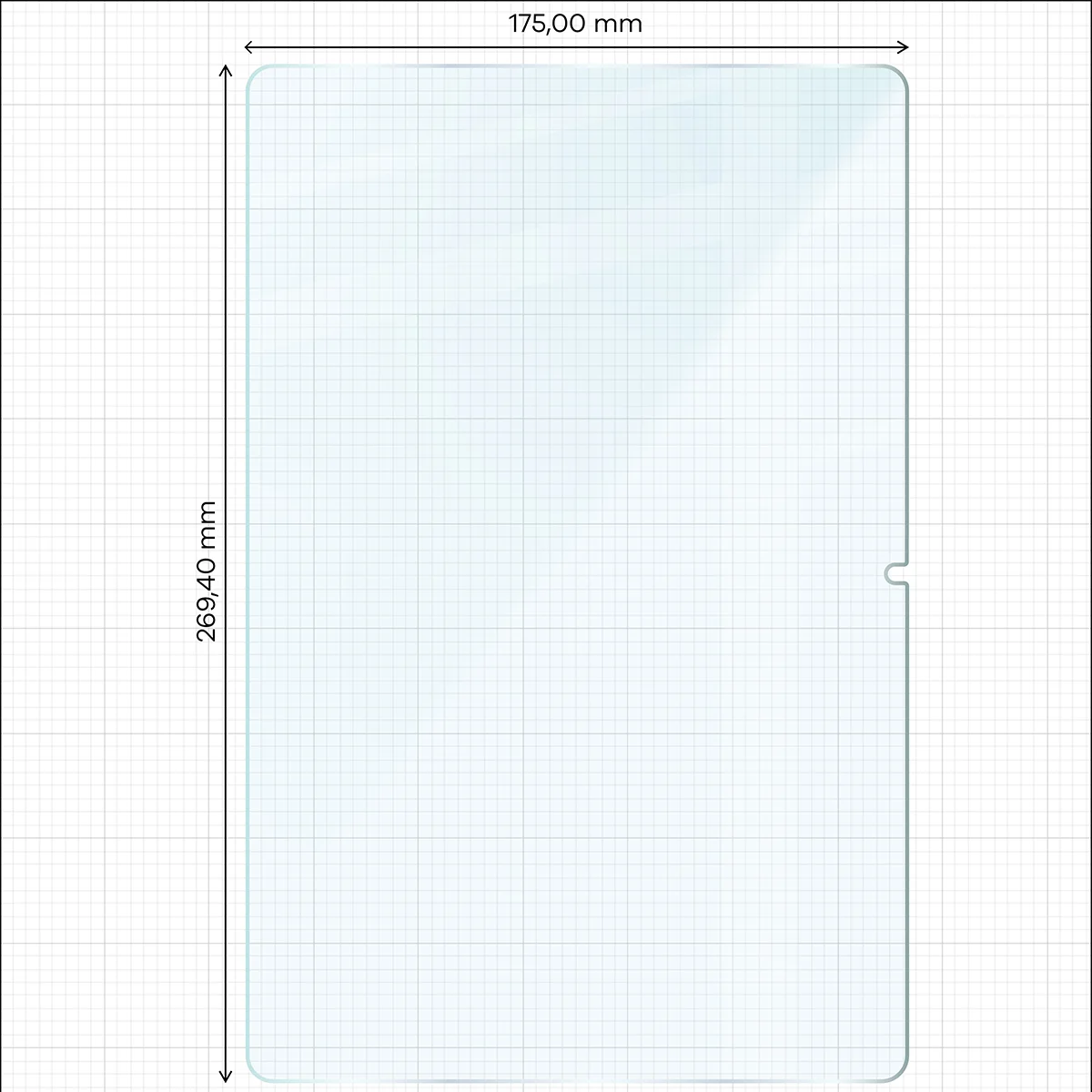
Dimensions of the glass:
The basis for device protection besides glass is a case. For the glass to be compatible with the case, you should pay attention to:
- the dimensions of the glass must be smaller than the internal dimensions of the case
- the case must not overlap the glass
Dimensions of the glass: 19.22 x 13.16 cm
(length - width)
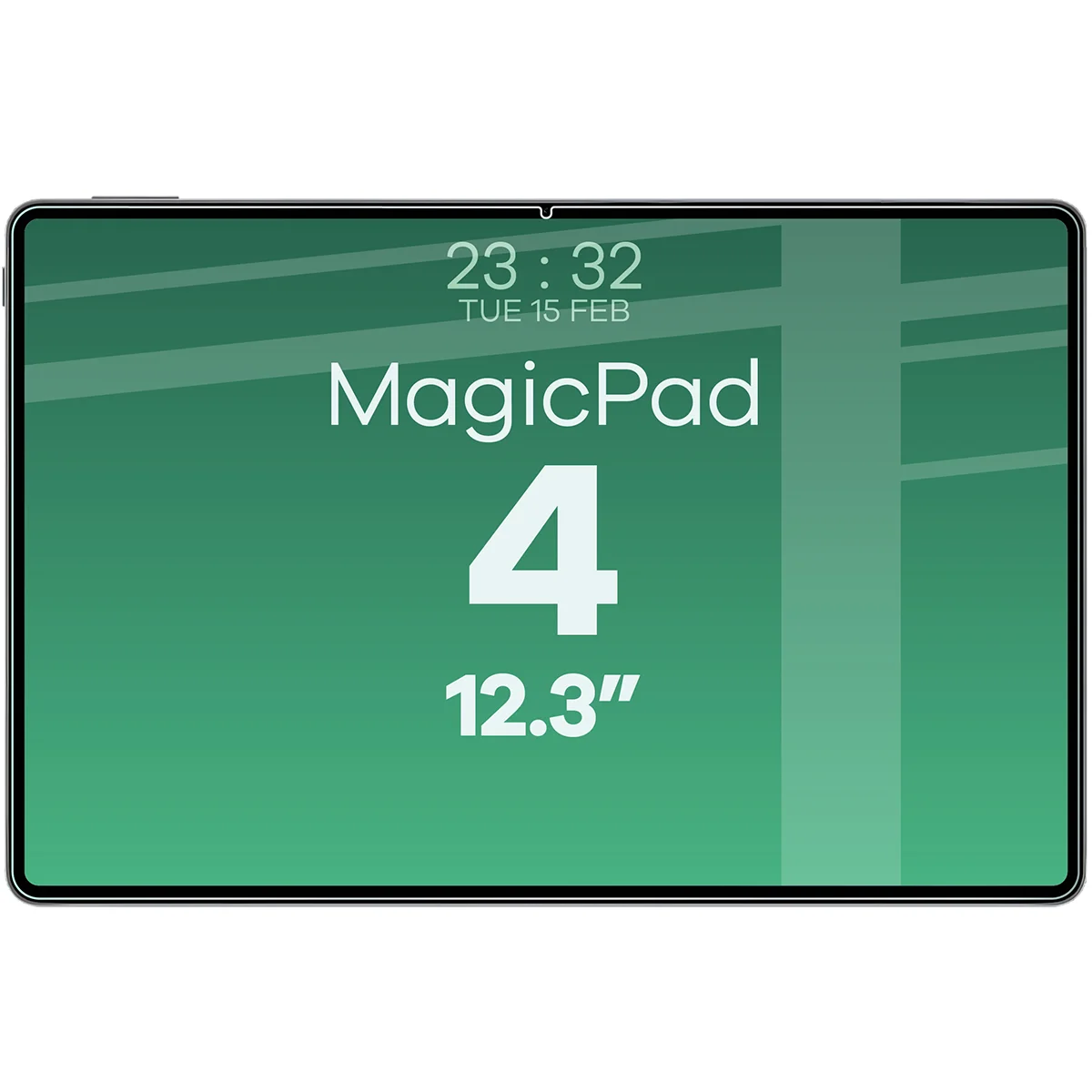
The glass covers the flat part of the screen and depending on the rounding of the specific tablet model, it may overlap the edges more or less.
Increased protection
Bizon Tab Glass Clear Duo offers additional safety thanks to the oleophobic coating, which reduces the visibility of fingerprints. This does not affect the touch sensitivity in any way, and the 9H hardness ensures exceptional durability of the glass.
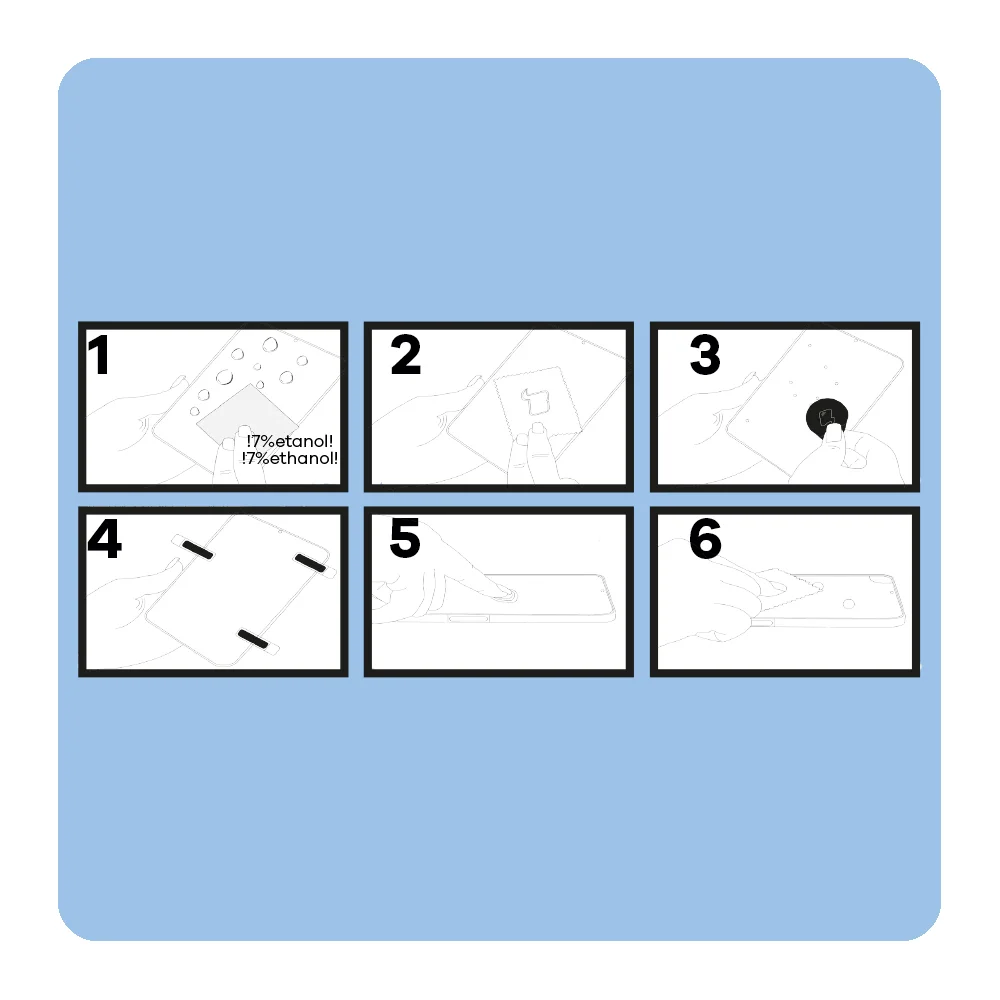
How to install Bizon Tab Clear Duo glass? It's easy!
Before you start, check whether the glass fits your tablet model – this is the best guarantee of a perfect result. Prepare a well-lit area and get to work:
- Clean
Wipe the screen with a damp cloth to remove greasy stains and dust. - Polish
Thoroughly wipe the screen with a dry microfiber cloth so that the surface is dry and streak-free. - Correct
Take a round sticker (Dust Absorber) and stick it pointwise in places where small dust particles have appeared. - Apply
Place the glass on the screen. Align the position – for convenience, you can use positioning stickers. - Press
Gently press the center of the glass so that it adheres evenly to the display. - Smooth
Push out any air bubbles by moving the microfiber cloth towards the nearest edge.
Done – the glass is installed, and the screen is protected! After installing the tempered glass, an air halo may appear around the screen — this is a natural process that occurs individually and depends on the curves of the specific model.
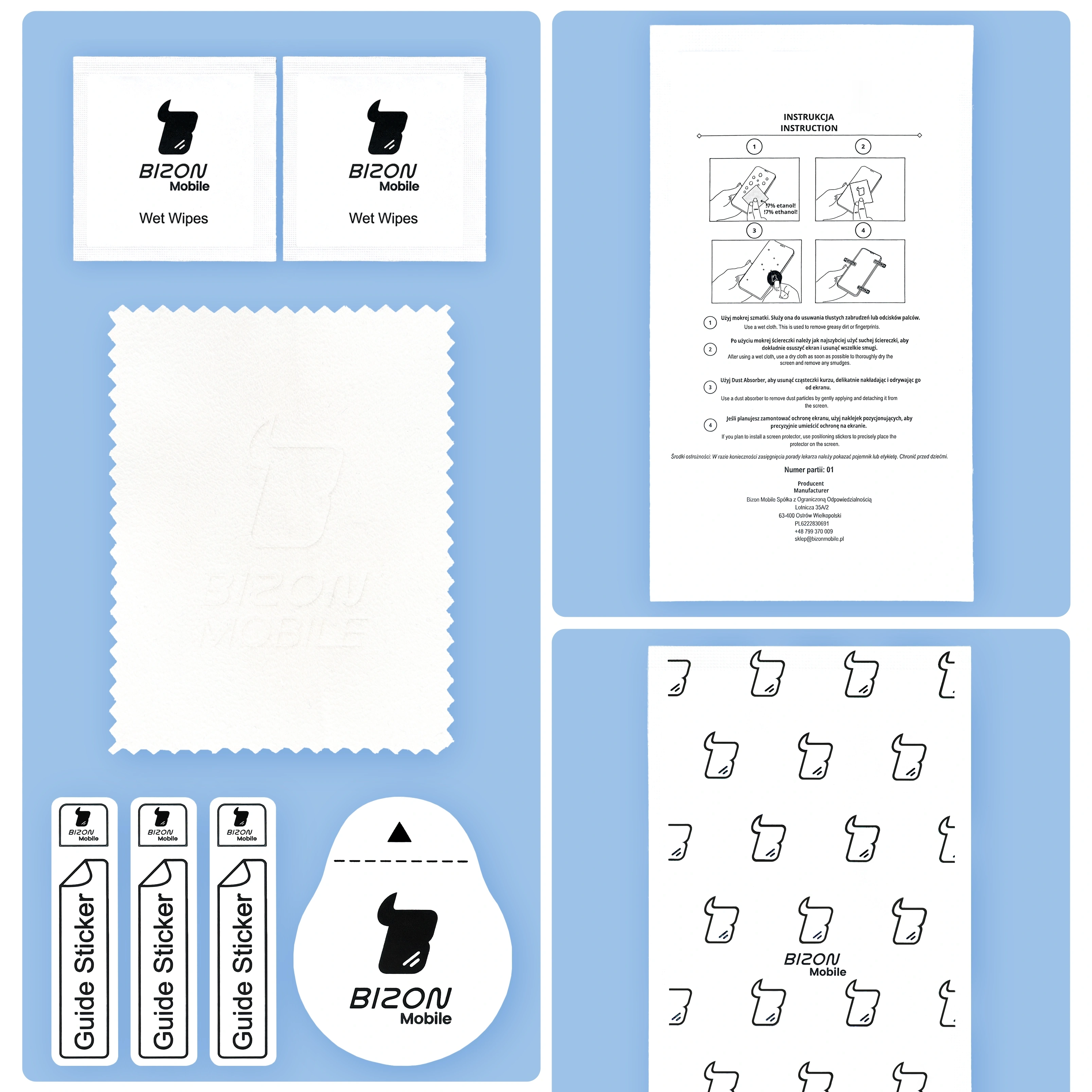
Contents of the set
- Bizon Tab Glass Clear Duo – 2 pieces
- dry microfiber cloth – 2 pieces
- damp cloth for cleaning the screen – 2 pieces
- positioning stickers – 3 pieces
- round sticker for picking up particles and dust (dust absorber) – 2 pieces
Price
€11,66Express Checkout 1-Click







Other color / pattern


Description
Glass for the tablet Bizon Tab Glass Clear Duo
Honor MagicPad 4
Safety with tempered glass for Honor MagicPad 4
Bizon tempered glass from the Tab Clear Duo series is perfect for protecting your tablet's screen! It protects against all scratches and dirt while holding firmly in place.
- Color version: Clear (transparent)
- Strong construction
- Thickness: 0.33 mm
- Oleophobic coating
- Beveled edges
- Intact touch sensitivity
Dimensions of the glass:
The basis for device protection besides glass is a case. For the glass to be compatible with the case, you should pay attention to:
- the dimensions of the glass must be smaller than the internal dimensions of the case
- the case must not overlap the glass
Dimensions of the glass: 19.22 x 13.16 cm
(length - width)
The glass covers the flat part of the screen and depending on the rounding of the specific tablet model, it may overlap the edges more or less.
Increased protection
Bizon Tab Glass Clear Duo offers additional safety thanks to the oleophobic coating, which reduces the visibility of fingerprints. This does not affect the touch sensitivity in any way, and the 9H hardness ensures exceptional durability of the glass.
How to install Bizon Tab Clear Duo glass? It's easy!
Before you start, check whether the glass fits your tablet model – this is the best guarantee of a perfect result. Prepare a well-lit area and get to work:
- Clean
Wipe the screen with a damp cloth to remove greasy stains and dust. - Polish
Thoroughly wipe the screen with a dry microfiber cloth so that the surface is dry and streak-free. - Correct
Take a round sticker (Dust Absorber) and stick it pointwise in places where small dust particles have appeared. - Apply
Place the glass on the screen. Align the position – for convenience, you can use positioning stickers. - Press
Gently press the center of the glass so that it adheres evenly to the display. - Smooth
Push out any air bubbles by moving the microfiber cloth towards the nearest edge.
Done – the glass is installed, and the screen is protected! After installing the tempered glass, an air halo may appear around the screen — this is a natural process that occurs individually and depends on the curves of the specific model.
Contents of the set
- Bizon Tab Glass Clear Duo – 2 pieces
- dry microfiber cloth – 2 pieces
- damp cloth for cleaning the screen – 2 pieces
- positioning stickers – 3 pieces
- round sticker for picking up particles and dust (dust absorber) – 2 pieces
Related products
Products you might be interested in

GrizzGlass HybridGlass Honor MagicPad 2 12.3


GrizzGlass Matte SecretGlass Honor MagicPad 13
