
Bizon Glass Clear Google Pixel 11a


Description
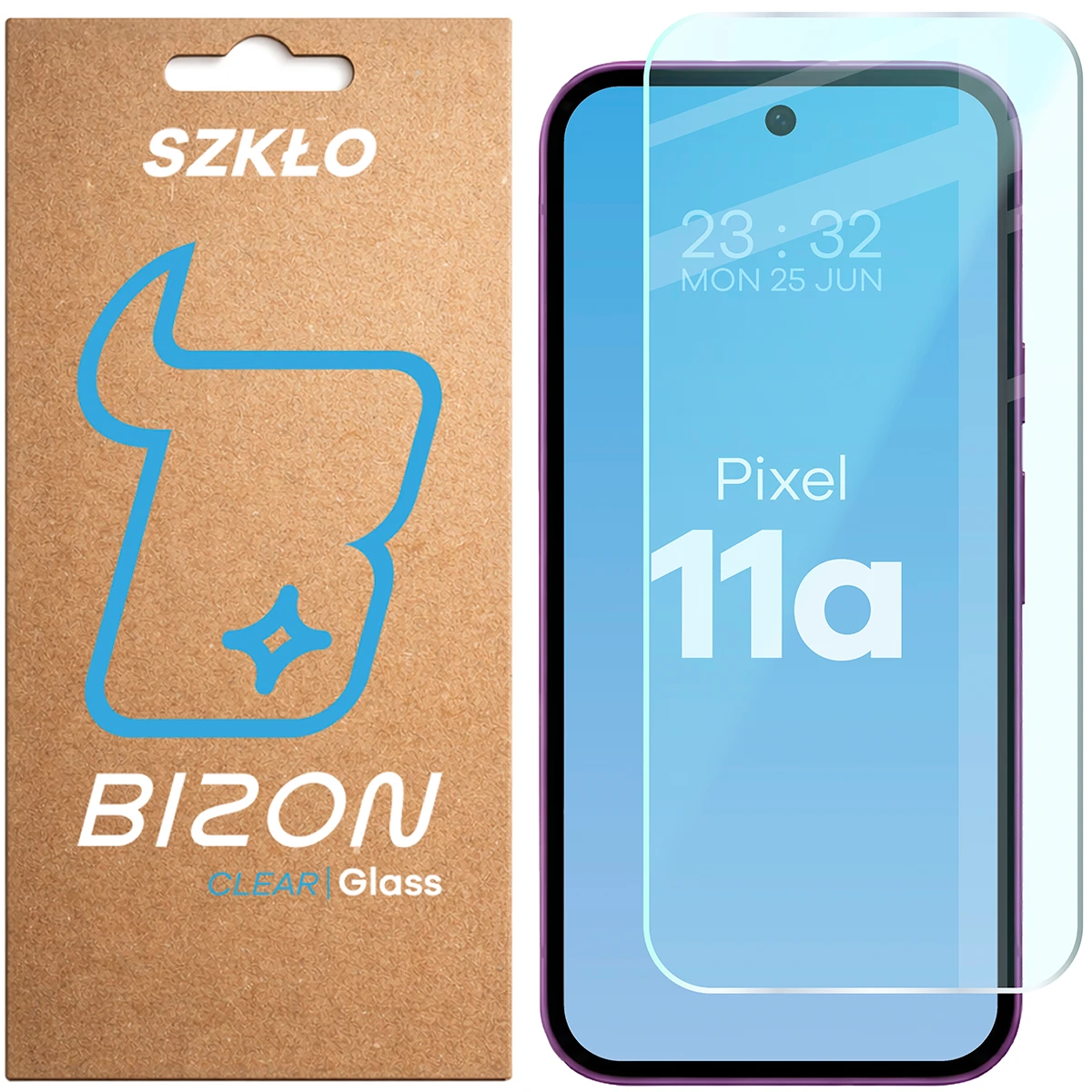
Bizon Glass Clear Tempered Glass
Google Pixel 11a
Durable glass for Google Pixel 11a
Clear series tempered glass by Bizon is an excellent way to protect your phone screen. It protects against scratches and dirt, while maintaining high transparency and touch sensitivity.
- Type: tempered glass
- Glass hardness: 9H
- Thickness: 0.33 mm
- Oleophobic coating that reduces the visibility of fingerprints
- Full transparency
- Ideal protection against scratches and dirt
- Maintained touch sensitivity
- Compatible with most cases
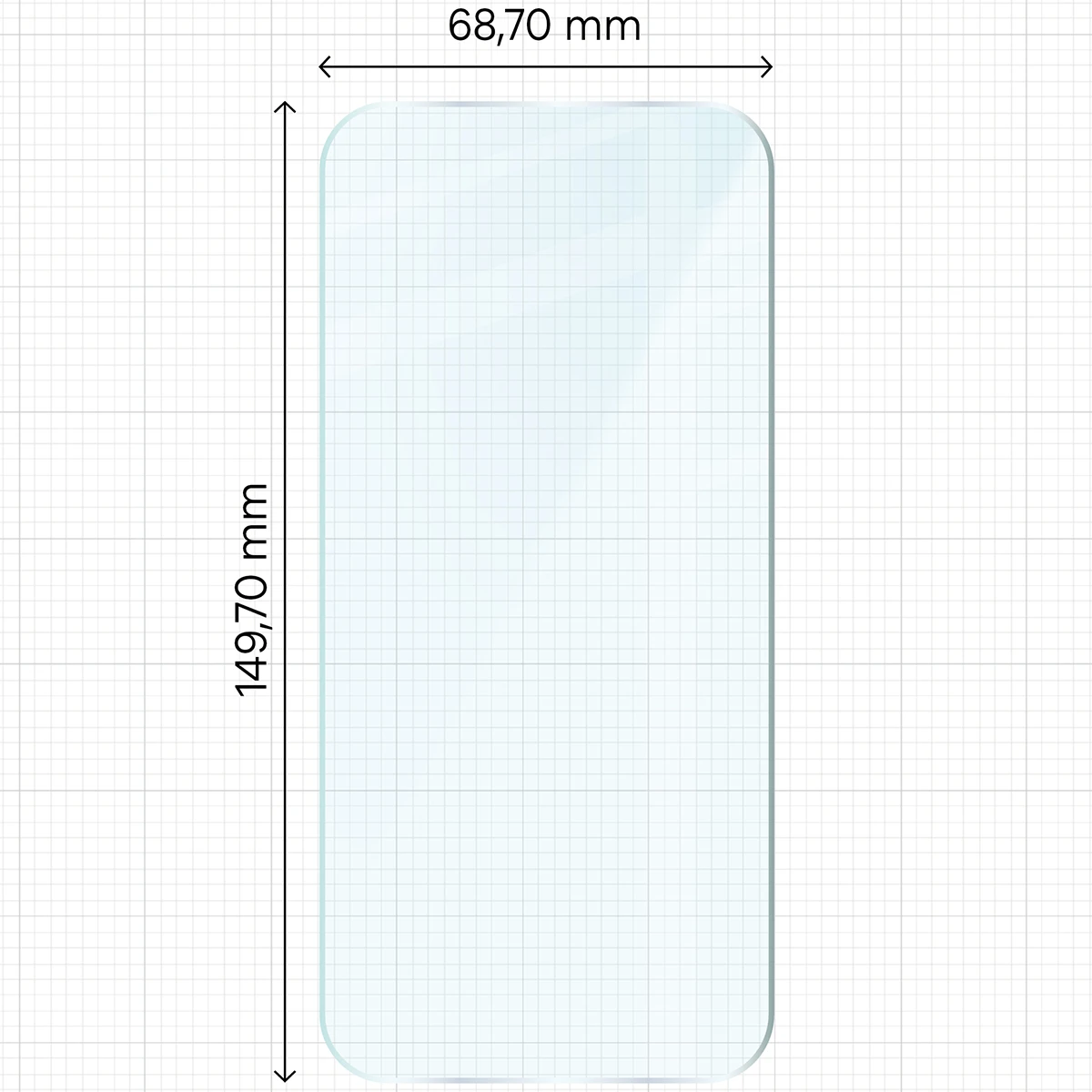
Glass dimensions
For even better protection of the device, it is recommended to use the glass together with a case. Before fitting the case, make sure the glass will be compatible with it:
- glass dimensions must be smaller than the internal dimensions of the case
- the case must not overlap the screen
Glass dimensions: 14.97 x 6.87 cm
(length - width)
* The glass covers the flat part of the display and, depending on the curvature of the given phone model, overlaps the frames more or less.
Exceptional properties
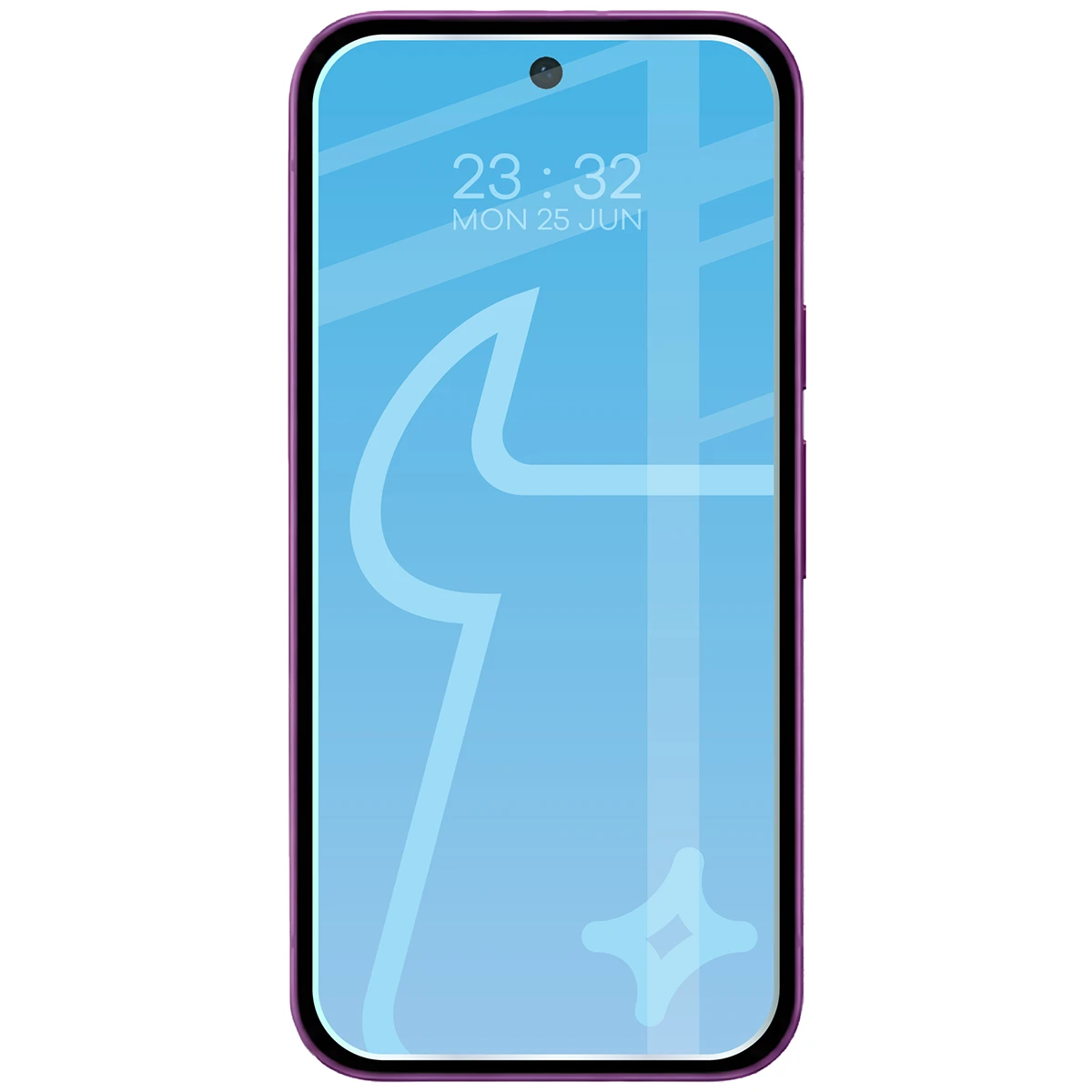
Bizon tempered glass from the Glass Clear series offers excellent touch sensitivity thanks to its durable construction and 9H hardness! It also features an oleophobic coating that effectively reduces smudges and fingerprints. This ensures long-lasting transparency.
How to install Bizon Clear glass? Easy!
Before you start, check that the glass fits your phone model - this is the best guarantee of a perfect result. Prepare a well-lit area and get started:
- Clean
Wipe the screen with a damp cloth to remove greasy stains and dust. - Polish
Thoroughly wipe the screen with a dry microfiber cloth so the surface is dry and streak-free. - Fix
Take the round sticker (Dust Absorber) and stick it on spots where small specks have appeared. - Apply
Place the glass on the screen. Align its position - you can use the positioning stickers to help. - Press
Gently press the center of the glass so it adheres evenly to the display. - Smooth
Push out any air bubbles by wiping with the microfiber cloth toward the nearest edge.
Done - glass applied, screen protected! After installing tempered glass, an air halo may form around the screen - this is a natural process, occurs individually and depends on the curves of the given model.

Package contents
In addition to one piece of tempered glass, you will receive a complete application kit, which includes:
- 1 dry microfiber cloth
- 1 wet cloth for effective screen cleaning
- 3 positioning stickers for precise application
- 1 round sticker for removing specks and dust (Dust absorber)
Everything will be delivered to you in eco-friendly packaging that contains minimal amounts of plastic!

Price
€5,95Express Checkout 1-Click





Other color / pattern


Description
Bizon Glass Clear Tempered Glass
Google Pixel 11a
Durable glass for Google Pixel 11a
Clear series tempered glass by Bizon is an excellent way to protect your phone screen. It protects against scratches and dirt, while maintaining high transparency and touch sensitivity.
- Type: tempered glass
- Glass hardness: 9H
- Thickness: 0.33 mm
- Oleophobic coating that reduces the visibility of fingerprints
- Full transparency
- Ideal protection against scratches and dirt
- Maintained touch sensitivity
- Compatible with most cases
Glass dimensions
For even better protection of the device, it is recommended to use the glass together with a case. Before fitting the case, make sure the glass will be compatible with it:
- glass dimensions must be smaller than the internal dimensions of the case
- the case must not overlap the screen
Glass dimensions: 14.97 x 6.87 cm
(length - width)
* The glass covers the flat part of the display and, depending on the curvature of the given phone model, overlaps the frames more or less.
Exceptional properties
Bizon tempered glass from the Glass Clear series offers excellent touch sensitivity thanks to its durable construction and 9H hardness! It also features an oleophobic coating that effectively reduces smudges and fingerprints. This ensures long-lasting transparency.
How to install Bizon Clear glass? Easy!
Before you start, check that the glass fits your phone model - this is the best guarantee of a perfect result. Prepare a well-lit area and get started:
- Clean
Wipe the screen with a damp cloth to remove greasy stains and dust. - Polish
Thoroughly wipe the screen with a dry microfiber cloth so the surface is dry and streak-free. - Fix
Take the round sticker (Dust Absorber) and stick it on spots where small specks have appeared. - Apply
Place the glass on the screen. Align its position - you can use the positioning stickers to help. - Press
Gently press the center of the glass so it adheres evenly to the display. - Smooth
Push out any air bubbles by wiping with the microfiber cloth toward the nearest edge.
Done - glass applied, screen protected! After installing tempered glass, an air halo may form around the screen - this is a natural process, occurs individually and depends on the curves of the given model.
Package contents
In addition to one piece of tempered glass, you will receive a complete application kit, which includes:
- 1 dry microfiber cloth
- 1 wet cloth for effective screen cleaning
- 3 positioning stickers for precise application
- 1 round sticker for removing specks and dust (Dust absorber)
Everything will be delivered to you in eco-friendly packaging that contains minimal amounts of plastic!
Related products
Products you might be interested in

